
How to Dispatch Limo Efficiently With Software Tools?
How to Dispatch Limo Efficiently With Software Tools

Did you know that efficient limo dispatch software can reduce operational errors by up to 30 percent? Reliable dispatching is the backbone of every successful transportation service. With the right system and best practices, you can turn complicated booking and tracking tasks into simple steps that boost both performance and customer satisfaction.
Quick Summary
| Key Point | Explanation |
|---|---|
| 1. Define your booking model | Choose between on-demand, scheduled, or both options to align with your business operations. |
| 2. Set up operating zones accurately | Create precise geographic boundaries to ensure dispatchers send vehicles within serviceable areas. |
| 3. Utilize automated ride notifications | Implement automated SMS and email updates to keep passengers informed and reduce no-shows. |
| 4. Automate ride assignments intelligently | Use auto-assignment based on driver proximity and vehicle availability to optimize dispatch efficiency. |
| 5. Gather feedback after each ride | Automate post-ride review requests to enhance service quality and track improvements over time. |
Table of Contents
- Step 1: Set Up Your Limo Dispatch Software
- Step 2: Enter and Organize Ride Requests
- Step 3: Assign Chauffeurs and Vehicles
- Step 4: Monitor Trips in Real Time
- Step 5: Confirm Ride Completion and Gather Feedback
Step 1: Set Up Your Limo Dispatch Software
Setting up your limo dispatch software transforms your transportation business from manual chaos to streamlined efficiency. Configure core operational settings that determine how smoothly your system runs.
Start by defining your booking model. Configure whether you will handle on-demand rides, scheduled trips, or both. Next, map out operating zones and create dispatcher accounts with granular permissions. Use Automatic Vehicle Location (AVL) for GPS-based vehicle tracking and route optimization. Finally, upload company branding to make your dispatch panel look professional.
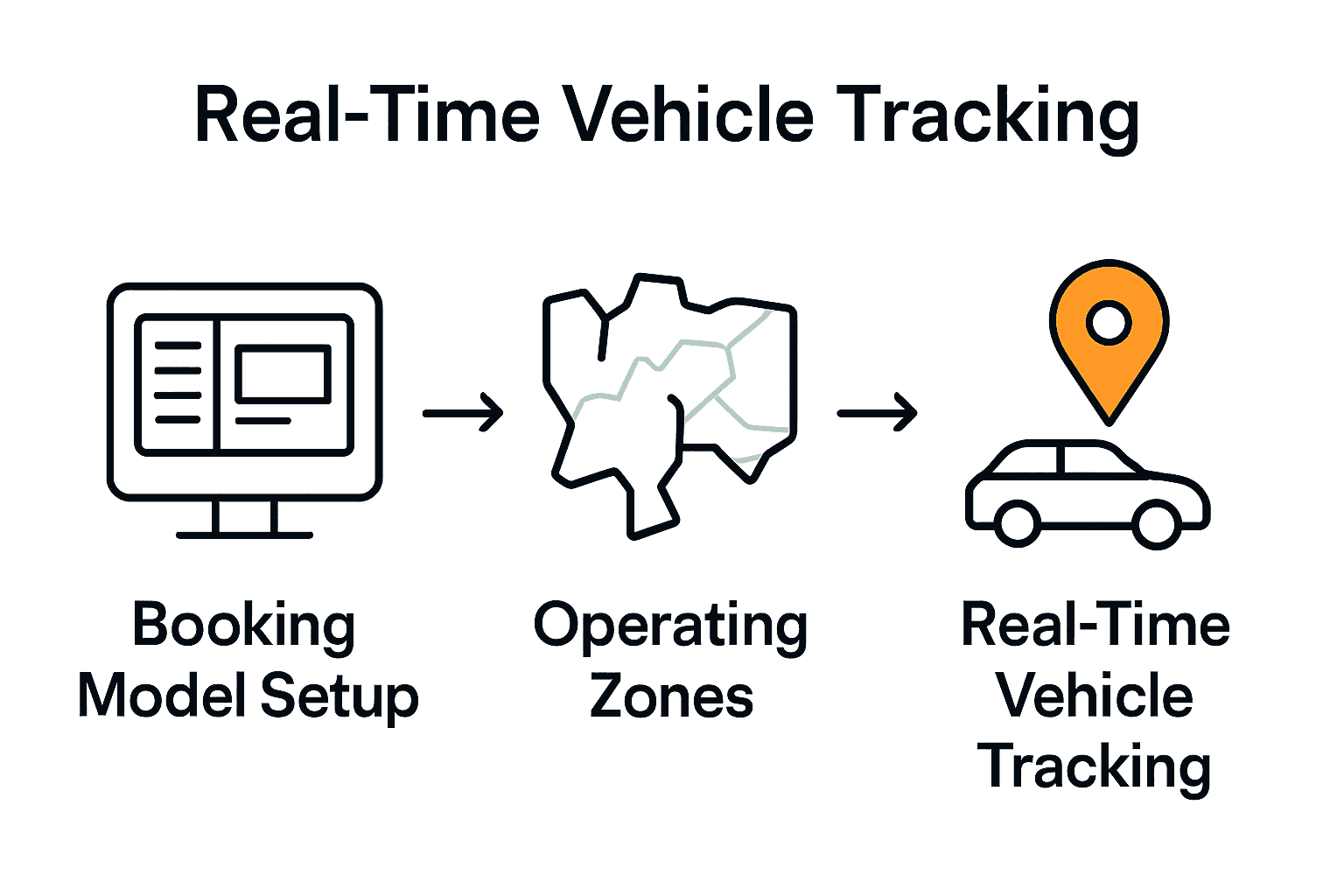
Summary of the key configuration steps:
| Configuration Area | Purpose | Best Practices |
|---|---|---|
| Booking Model | Define ride types | On-demand, Scheduled, Both |
| Operating Zones | Set service boundaries | List cities, Suburbs, Special regions |
| Dispatcher Accounts | Manage user access | Granular permissions, Role-based access |
| AVL Integration | Real-time vehicle tracking | GPS support, Route optimization |
| Company Branding | Customize dispatch panel | Logo, Color scheme |
Get started with a seamless dispatch setup by exploring our quick launch guide.
Step 2: Enter and Organize Ride Requests
Use custom forms to capture pickup details, passenger count, vehicle type, and payment method. Add dropdowns for repeatable fields to reduce typing errors. Automate booking confirmations and reminders to reduce no-shows. Organize requests with smart filtering like new requests, confirmed bookings, and completed rides.

Step 3: Assign Chauffeurs and Vehicles
Use intelligent auto-assignment based on proximity, vehicle availability, and driver schedules. Create dispatch rules that consider vehicle class, driver rating, and service level agreements. Enable driver mobile apps so chauffeurs can accept or decline jobs and receive real-time updates.
Check out our flexible dispatch solutions.
Step 4: Monitor Trips in Real Time
Real-time GPS dashboards update locations frequently and let you spot delays or route deviations early. Integrate flight tracking for airport pickups and configure alerts for any route deviations.
Step 5: Confirm Ride Completion and Gather Feedback
Automate post-ride review requests and offer in-platform feedback collection. Send invoices at ride completion and categorize feedback to track trends like punctuality and vehicle cleanliness.
Unlock Effortless Limo Dispatch with the Right Software Partner
Imagine software that organizes ride requests, automatically matches chauffeurs and vehicles, tracks trips in real time, and streamlines feedback — so you stop firefighting and start improving service.
atozdispatch.com — eliminate operational headaches and deliver exceptional customer service with every ride.
Frequently Asked Questions
How can I set up my limo-dispatch software for efficient operations?
Define your booking model, map operating zones, and set granular dispatcher permissions.
What steps should I take to manage ride requests effectively?
Use custom forms, automate confirmations, and group requests by status.
How do I assign chauffeurs and vehicles optimally?
Use auto-assignment rules that consider proximity, vehicle class, and driver ratings.
Comments
Post a Comment